
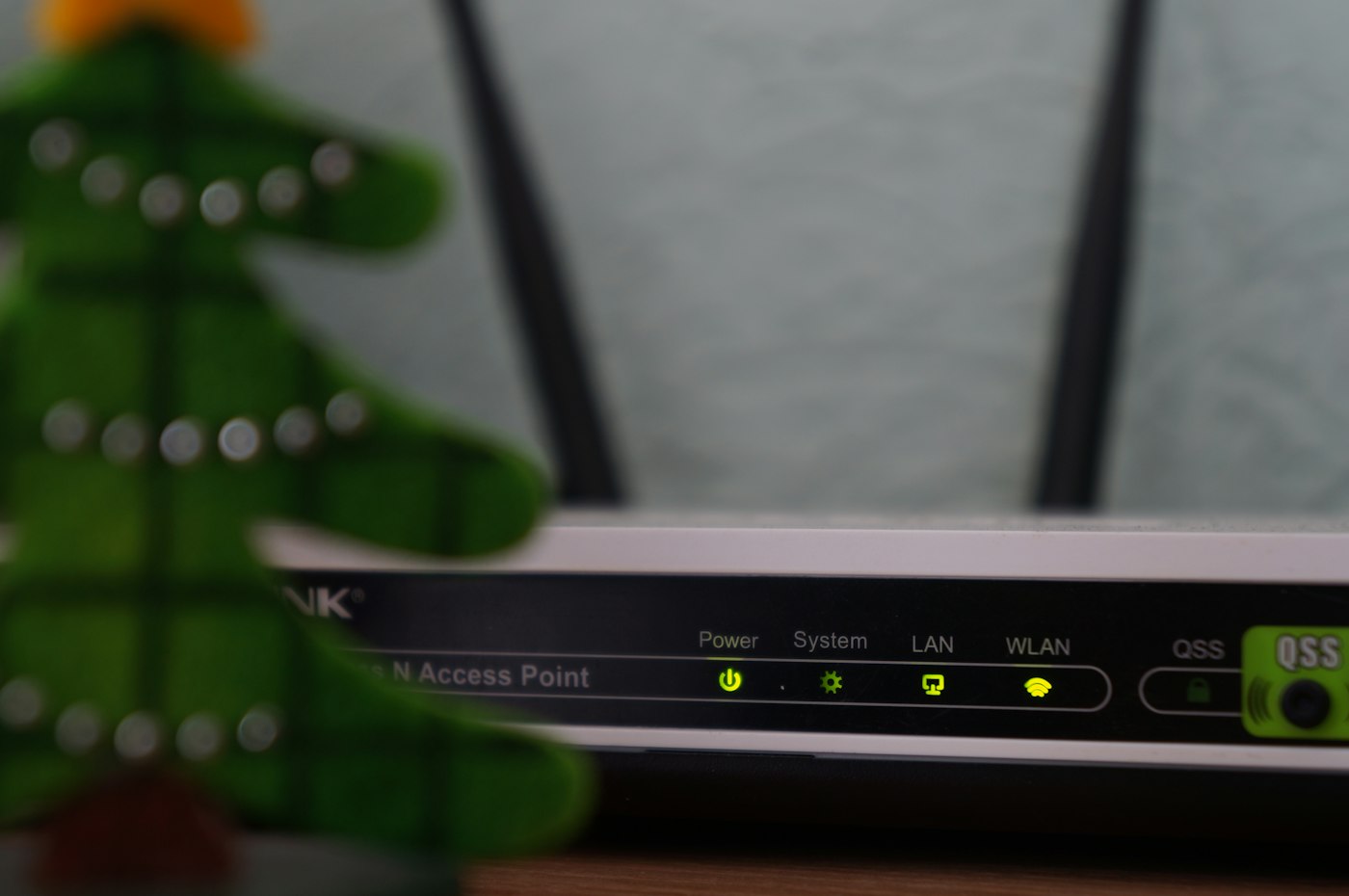
Slow Wi‑Fi is one of the most frustrating parts of modern life, especially when you are on a video call or streaming a match. The good news is that many Wi‑Fi problems can be fixed in a few minutes without calling a technician. Here are ten simple ways to boost your home Wi‑Fi speed.
1. Put your router in the centre of your home
Wi‑Fi signals spread out from the router in all directions. If your router is in a corner, behind the TV or inside a cupboard, much of the signal is wasted. Place it in a central, open spot, ideally raised off the floor on a shelf or table.
2. Keep it away from walls, metal and water
Thick concrete walls, metal doors, mirrors and fish tanks all weaken Wi‑Fi. Microwaves and some cordless phones also interfere with the signal. Give your router some clear space.
3. Restart your router regularly
Like any computer, a router can slow down after running for weeks. Switching it off for 30 seconds and back on clears its memory and often fixes slow speeds and dropped connections.
4. Use the 5 GHz band for nearby devices
Most modern routers broadcast two networks: 2.4 GHz and 5 GHz. The 5 GHz band is faster but has a shorter range, so use it for devices in the same room or nearby. Use 2.4 GHz for devices further away.
5. Secure your network with a strong password
If neighbours are using your Wi‑Fi, they are using your speed. Set a strong WPA2 or WPA3 password and change it if you suspect others have it.
6. Disconnect devices you are not using
Phones, TVs, tablets and smart devices all download updates in the background. Disconnect old devices you no longer use, and schedule large downloads for times when the household is not online.
7. Use a cable for fixed devices
Smart TVs, desktop computers and gaming consoles that do not move can be connected with an Ethernet cable. This gives them a faster, more stable connection and frees up Wi‑Fi for phones and laptops.
8. Add a mesh system or extender for large homes
In larger houses or homes with several floors, one router may not reach every room. A mesh Wi‑Fi system or a good extender spreads the signal evenly so there are no dead zones.
9. Keep your devices updated
Older phones and laptops may not support the latest Wi‑Fi standards. Install system updates regularly, as they often include Wi‑Fi improvements.
10. Make sure your package matches your household
If you have tried everything and the internet still slows down when everyone is online, your package may simply be too small. Read our guide on choosing the best home Wi‑Fi package in Kenya, or compare packages on our pricing page.
Still having trouble?
Ceehjay customers can call customer care on 0731 639 498 for help. Our technicians can check your setup, test your speed and recommend the best position for your router.
Want faster, more reliable home internet? See our home Wi‑Fi service
Frequently asked questions
Why is my Wi‑Fi slow at night?
Evenings are when most people in the household are online at once. Too many devices on a small package, or a poorly placed router, will slow things down.
Does restarting the router really help?
Yes. A restart clears the router’s memory and reconnects it to the network, which often restores normal speeds.
How do I test my internet speed?
Use a free speed test website on a device close to the router. Test a few times at different times of day to get a fair picture.