Category: Blog

Tips and guides

  • Why Building-Wide Wi‑Fi Adds Value for Landlords in Kenya

    Why Building-Wide Wi‑Fi Adds Value for Landlords in Kenya

    Ask any tenant in Kenya what they look for in a new home, and reliable internet is now near the top of the list, alongside water, security and location. For landlords and property managers, building-wide Wi‑Fi has become one of the simplest ways to make a property more attractive and competitive.

    Internet is now a basic utility

    More tenants work from home, study online, run small businesses and stream entertainment. A flat that is already connected saves them the hassle of arranging installation themselves, and saves you from a tangle of cables from different providers running up the walls.
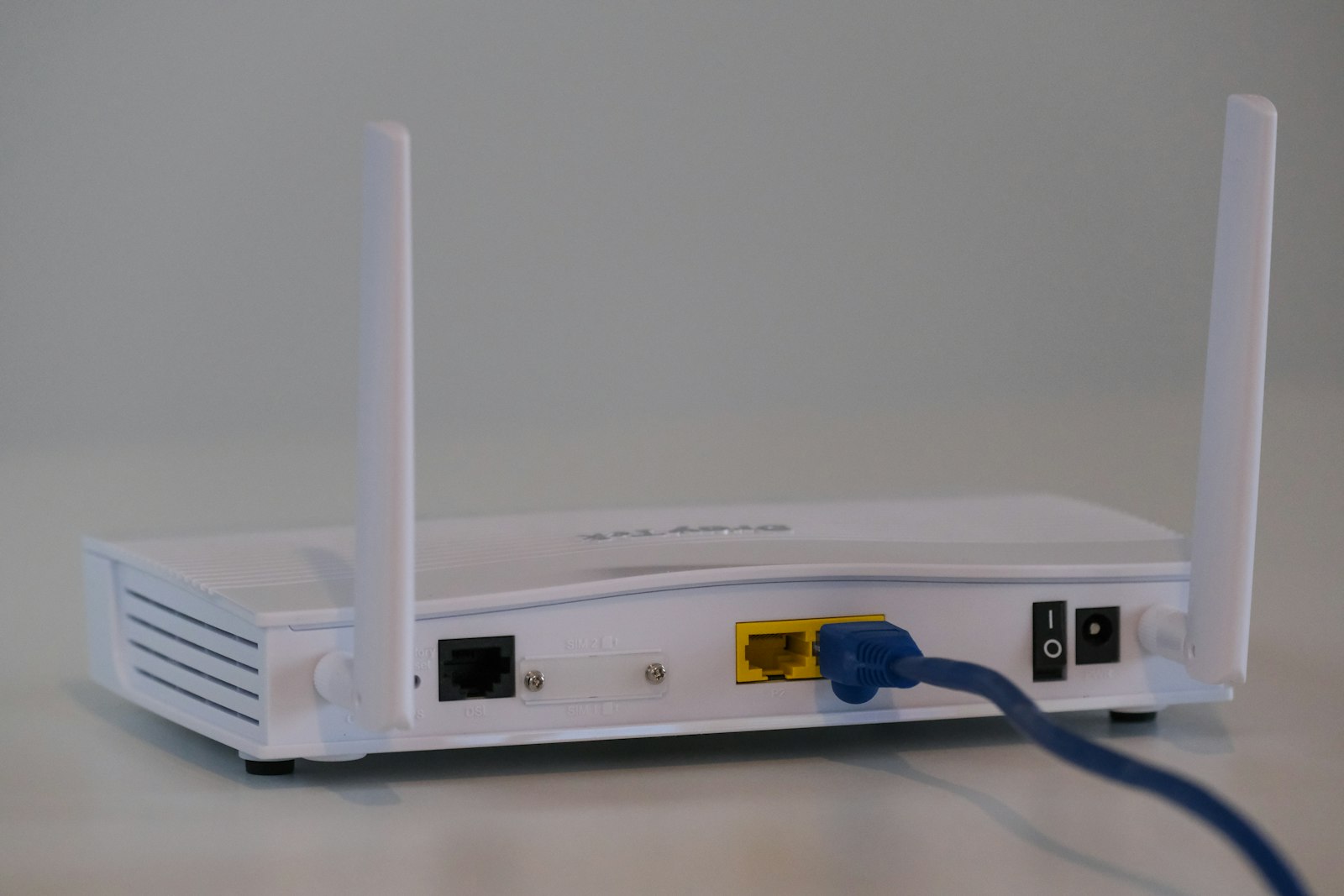
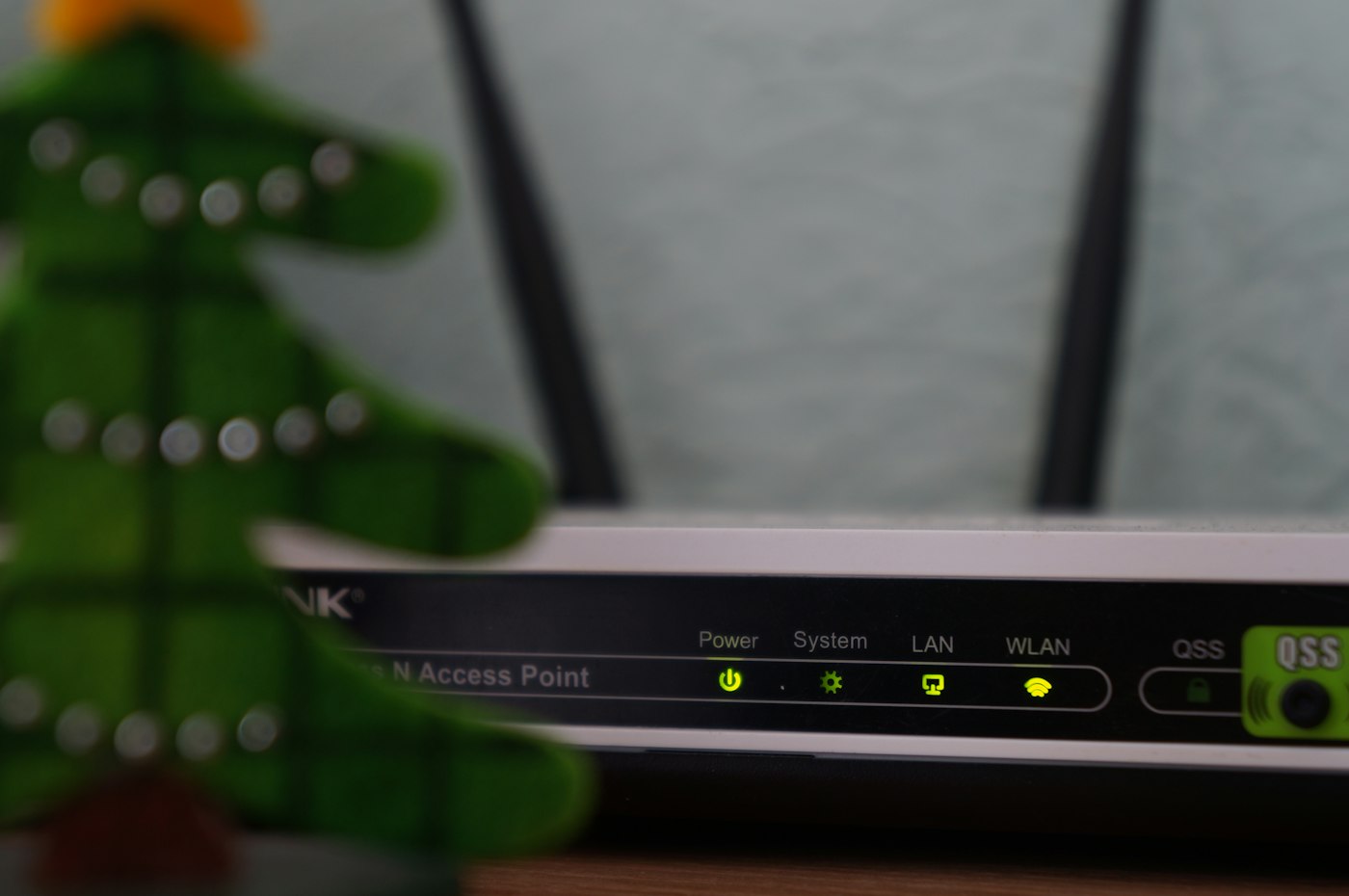
    White Wi-Fi router on a table at home

    Benefits for landlords

    • Faster occupancy. Connected units stand out in listings and tend to fill faster.
    • Happier, longer-staying tenants. Good internet is one less reason for tenants to move out.
    • A neater building. One professionally installed network replaces messy, uncoordinated cabling.
    • A modern, competitive property. Wi‑Fi-ready buildings compete better with newer developments.

    How building-wide Wi‑Fi works

    A fibre connection is brought to the building, and structured cabling and access points distribute fast internet to every unit and common area. Each tenant gets their own secure connection and chooses a package that suits them. The provider handles billing and support, so the landlord does not have to.

    What to look for in a provider

    • Fibre-powered connectivity with consistent speeds.
    • Professional cabling that protects the look of your building.
    • Affordable packages tenants can choose from.
    • Responsive local support so tenant issues are resolved quickly.
    • A clear partnership agreement with no hidden costs for you.
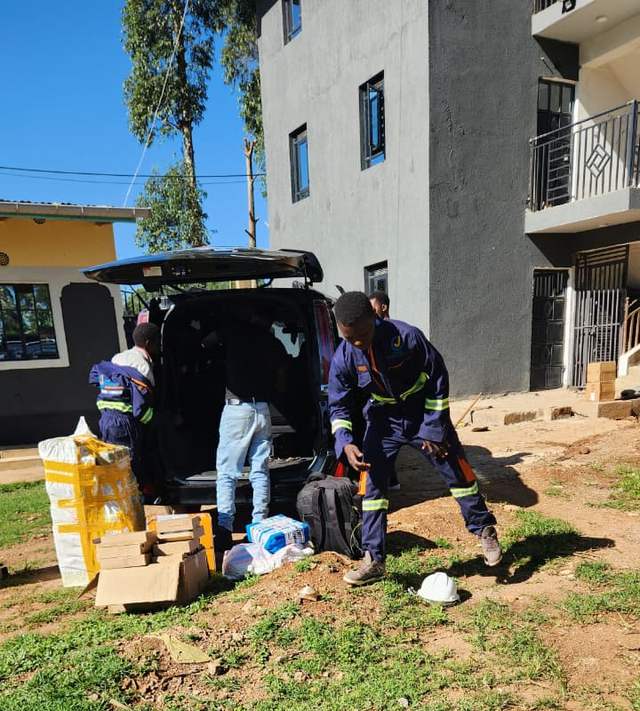
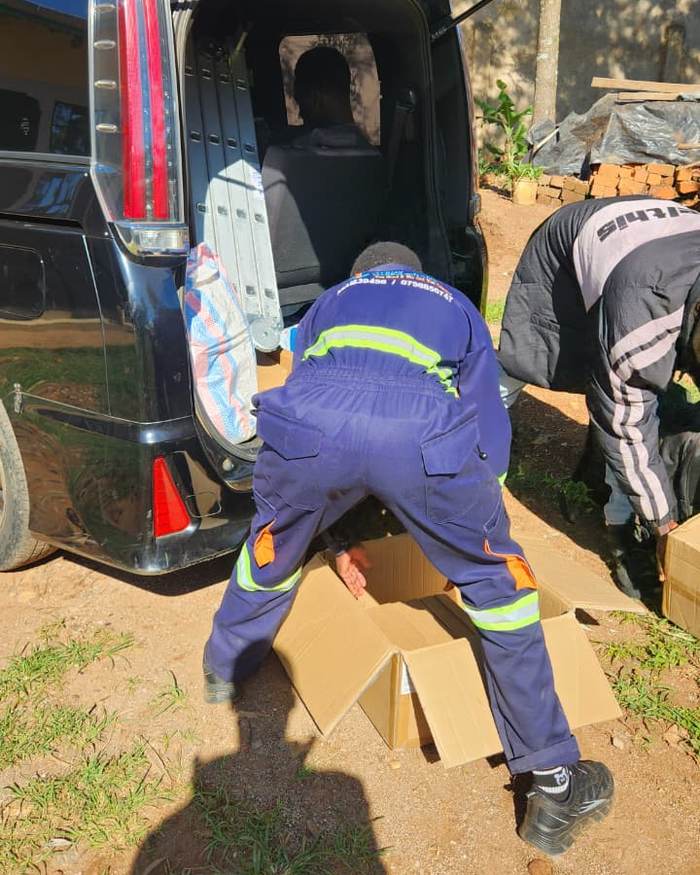
    Crew unloading equipment for a project

    Partner with Ceehjay

    Ceehjay works with landlords and property managers to wire apartments, hostels and commercial buildings. Our landlord partnership includes benefits for property owners, and every project starts with a free site inspection. Find out more on our partner with us page, or see our fibre and structured cabling service.

    Own or manage a building? Talk to us about a partnership

    Frequently asked questions

    Do tenants pay for the internet themselves?

    Yes. Each tenant chooses and pays for their own package, and Ceehjay handles billing and support.

    Will installation damage my building?

    No. Our crews use neat, professional cabling and agree the route with you before work begins.

    Can older buildings be connected?

    Yes. Most buildings can be connected. A free site survey will confirm the best way to wire your property.
  • CCTV Installation in Kenya: A Buyer’s Guide for Homes and Businesses

    CCTV Installation in Kenya: A Buyer’s Guide for Homes and Businesses

    A well-planned CCTV system helps protect your home, business and property, deters crime and gives you evidence if something goes wrong. But with so many cameras and options on the market, it is easy to spend money on a system that does not do what you need. This buyer’s guide explains what to consider before you install CCTV in Kenya.

    1. Start with what you need to protect

    Walk around your property and list the areas that matter most: gates, doors, parking, the reception, cash points, stores and perimeter walls. Decide whether you need to identify faces and number plates, or just see general activity. This determines the type and number of cameras you need.

    2. Choose the right camera types

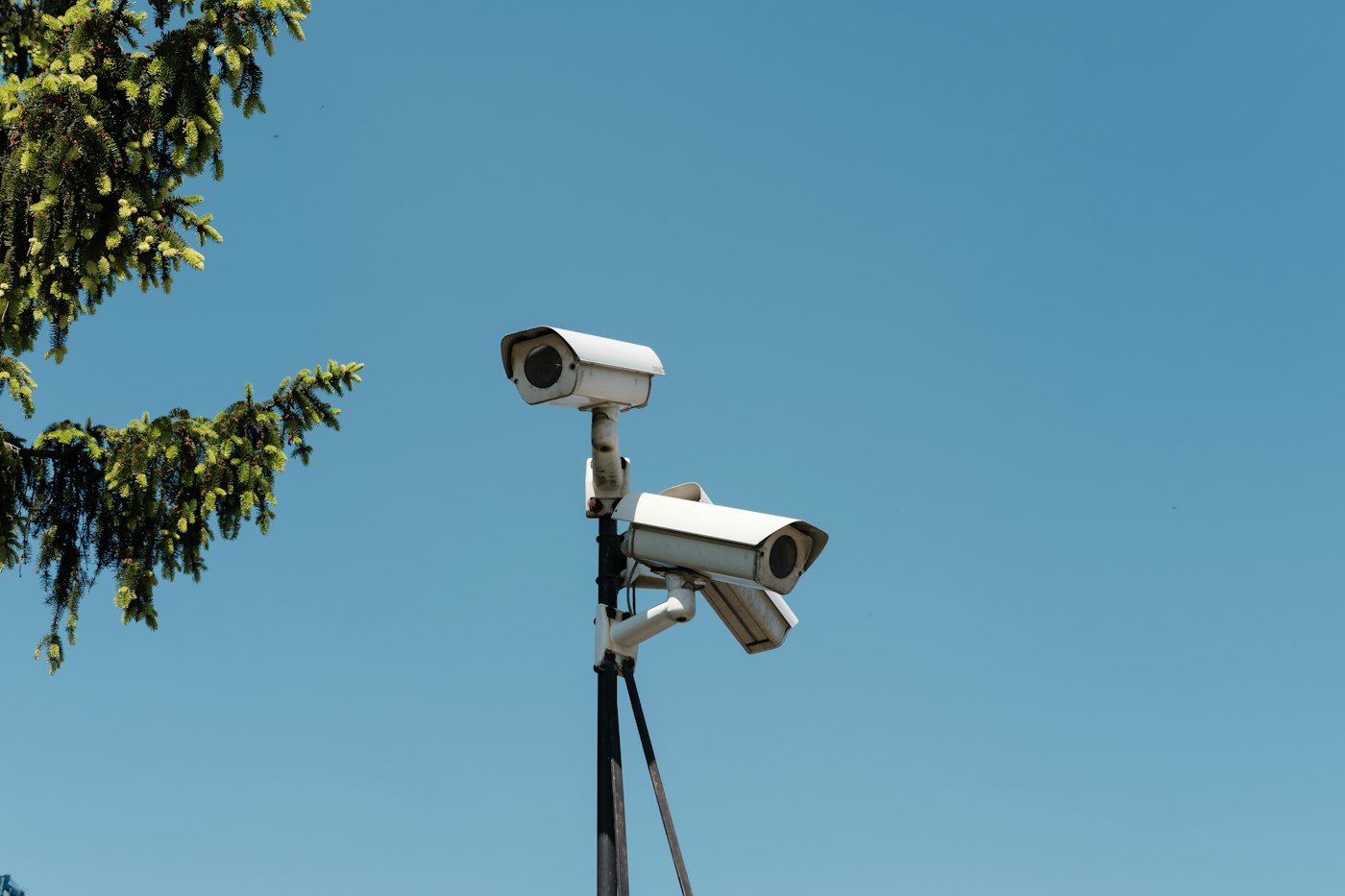
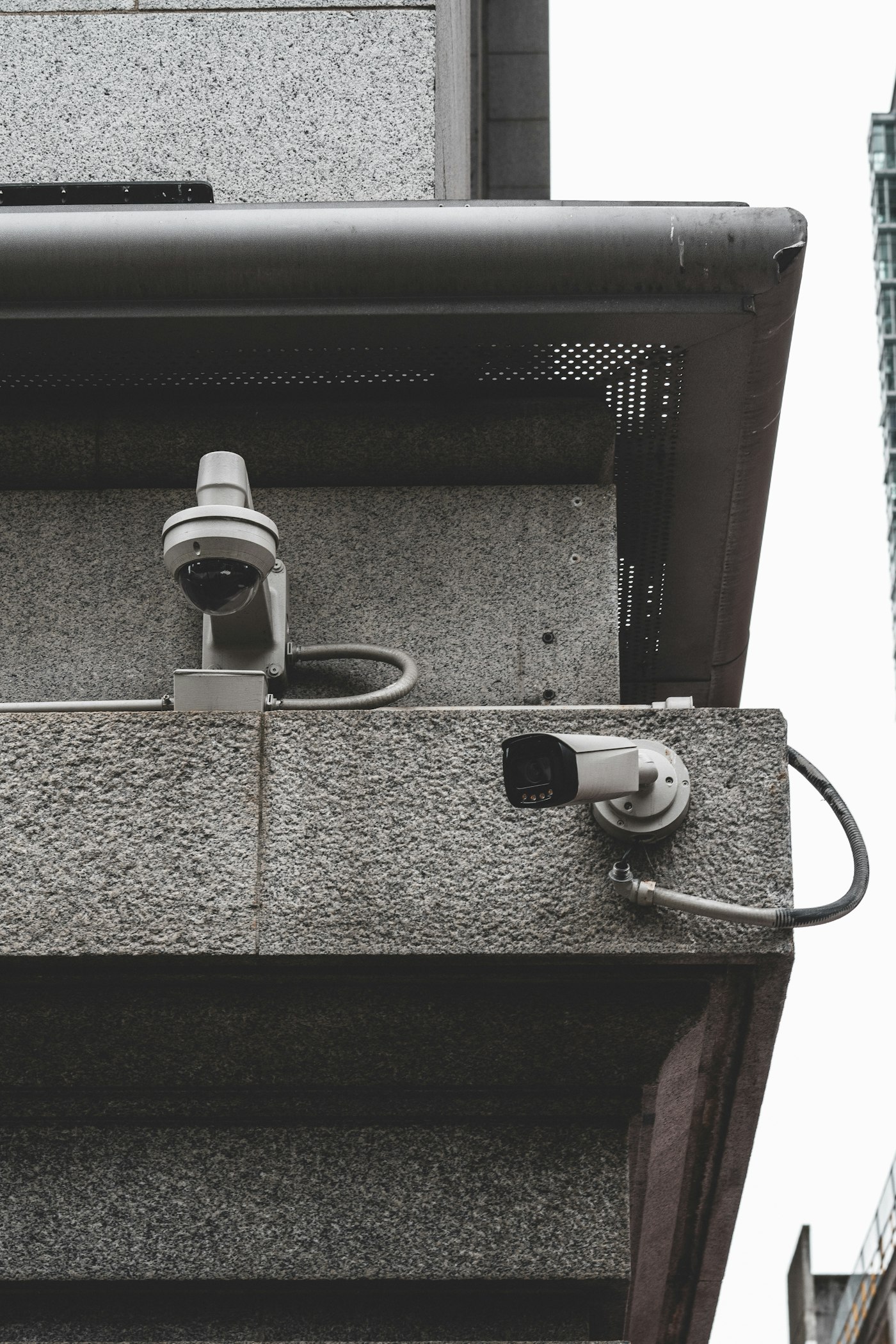
    • Dome cameras suit indoor spaces and covered areas. They are discreet and hard to tamper with.
    • Bullet cameras are ideal outdoors for long views along walls, driveways and gates.
    • PTZ cameras (pan, tilt, zoom) can be controlled remotely to cover large areas such as compounds and car parks.
    • IP cameras send high-resolution video over your network and allow advanced features such as motion alerts.
    Security camera mounted on the side of a building

    3. Do not overlook night vision and resolution

    Most incidents happen at night. Choose cameras with good infrared night vision, and a resolution of at least 1080p (2 MP). For entrances and areas where you need to identify people, 4 MP or higher is better.

    4. Plan recording and storage

    Cameras connect to a recorder (DVR for analogue systems, NVR for IP systems) with a hard drive that stores footage. Ask how many days of recording the system will keep. For most homes and small businesses, two to four weeks is a good target.

    5. Make sure you can view footage remotely

    Modern CCTV systems let you watch live and recorded footage on your phone from anywhere. This needs a stable internet connection at the site. Pairing CCTV with reliable fibre internet means you can check on your property at any time.

    6. Protect the system’s power

    Power outages can switch cameras off exactly when you need them. A UPS or backup power solution keeps your cameras and recorder running. Ceehjay also offers electrical services, so cabling, power and cameras can be installed together.

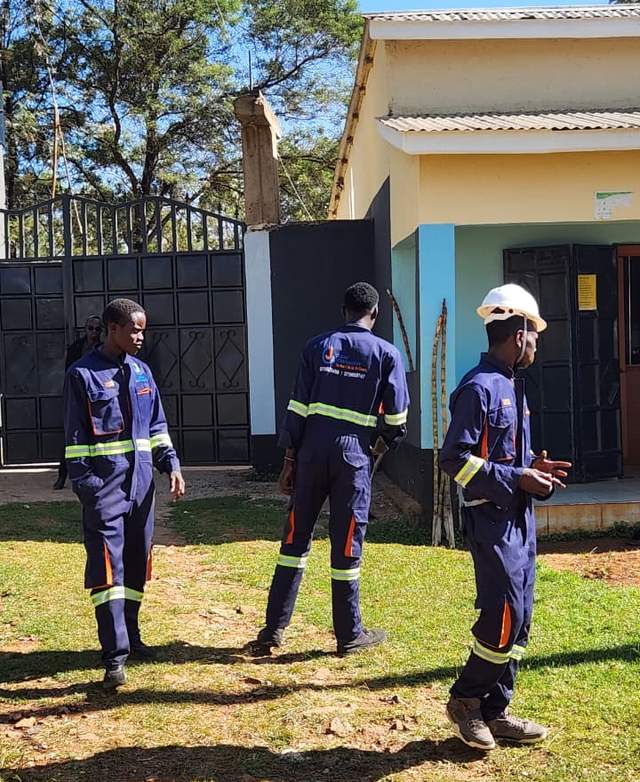
    Ceehjay technicians in uniform at a client site

    7. Choose a professional installer

    Good installation matters as much as the cameras. A professional installer will survey the site, position cameras for the best coverage, run neat and protected cabling, set up remote viewing and show you how to use the system. Ask any installer about their experience, warranty and after-sales support.

    CCTV installation with Ceehjay

    Ceehjay designs and installs CCTV systems for homes, offices, schools, apartments and commercial premises. Every project is quoted after a site visit, so you only pay for what your property needs. Learn more about our CCTV installation service.

    Get a free CCTV site assessment. Contact us

    Frequently asked questions

    How many CCTV cameras do I need for my home?

    Most homes need four to eight cameras to cover gates, doors, parking and the perimeter. A site survey gives an exact number.

    Can I watch my CCTV on my phone?

    Yes. With an internet connection at the site, you can view live and recorded footage from your phone.

    How much does CCTV installation cost in Kenya?

    It depends on the number and type of cameras, storage and cabling. We provide a free quote after a site visit.

  • Affordable Student Internet in Kenya: How Campus Wi‑Fi Is Changing Learning

    Affordable Student Internet in Kenya: How Campus Wi‑Fi Is Changing Learning

    For university and college students in Kenya, the internet is part of everyday learning. Assignments are submitted online, lecture notes are shared on portals, research happens on digital libraries and many classes now include online sessions. Yet for many students, the cost of mobile data bundles makes staying connected a daily struggle.

    The cost of staying connected

    Students who rely on mobile data often have to choose between buying bundles and meeting other basic needs. When data runs out, they fall behind on coursework, miss online classes or crowd into the few places on campus where Wi‑Fi works. This digital divide affects grades, research and future job prospects.

    Young man working on a laptop

    How affordable campus Wi‑Fi works

    Instead of each student buying expensive data, a campus-wide Wi‑Fi network delivers fibre-powered internet across hostels, lecture halls, libraries and common areas. Students pay small, flexible amounts for access, by the hour, day, week or month, so they only spend what they can afford. Through Ceehjay’s Last Mile Connectivity programme, student internet starts from as little as KSh 5 per hour.

    Benefits for students

    • Lower costs than mobile data for the same amount of studying and research.
    • Faster, more reliable internet for downloads, video lectures and online exams.
    • Coverage where students live and study, including hostels and libraries.
    • Flexible bundles that fit a student budget.

    Benefits for institutions

    • Better academic outcomes as students can access learning resources anytime.
    • A modern campus experience that attracts and retains students.
    • Reliable internet for staff, administration and e-learning systems.
    • A partner that designs, installs and maintains the network.
    Ceehjay crew arriving at a campus site

    What goes into a campus network?

    A campus Wi‑Fi project typically includes a fibre backbone between buildings, structured cabling, outdoor and indoor access points, network switches and a management system for student access and billing. Ceehjay begins every project with a free site inspection and technical survey, then designs a network that fits the size and layout of the campus.

    Bringing campus Wi‑Fi to your institution

    Universities, colleges, TVET institutions and schools can partner with Ceehjay to bring affordable internet to their students. We handle design, installation and ongoing support so your team can focus on teaching.

    Is your campus ready to get connected? Request a site survey

    Frequently asked questions

    How much does student internet cost?

    Through our Last Mile Connectivity programme, student internet starts from KSh 5 per hour. Daily, weekly and monthly options are available; ask your campus for details.

    Does the institution pay for installation?

    Every project is different. Contact us for a free site survey and a proposal that fits your institution.

    Can hostels near campus be connected too?

    Yes. We can extend coverage to hostels and student apartments near campus. Landlords can also partner with us directly.

  • Dedicated Internet Capacity in Kenya: What Businesses and ISPs Need to Know

    Dedicated Internet Capacity in Kenya: What Businesses and ISPs Need to Know

    For many Kenyan businesses, the internet is no longer a nice-to-have. Payments, cloud software, customer service and communication all depend on it. When a shared broadband connection slows down at the wrong moment, it costs money. That is why more businesses, institutions and local internet service providers (ISPs) are moving to dedicated internet capacity.

    What is dedicated internet capacity?

    Dedicated capacity is bandwidth reserved only for you. With a shared connection, you and other customers draw from the same pool, so speeds drop when the network is busy. With dedicated capacity, the agreed number of megabits per second (Mbps) is yours at all times, for both upload and download.

    Shared broadband vs dedicated capacity

    • Guaranteed speed: dedicated capacity delivers the full agreed speed around the clock; shared broadband offers “up to” speeds.
    • Symmetrical upload: dedicated links usually provide matching upload speeds, important for video calls, cloud backups and hosting.
    • Reliability: dedicated connections come with closer monitoring and faster fault response.
    • Scalability: you can add capacity in steps as your business grows.
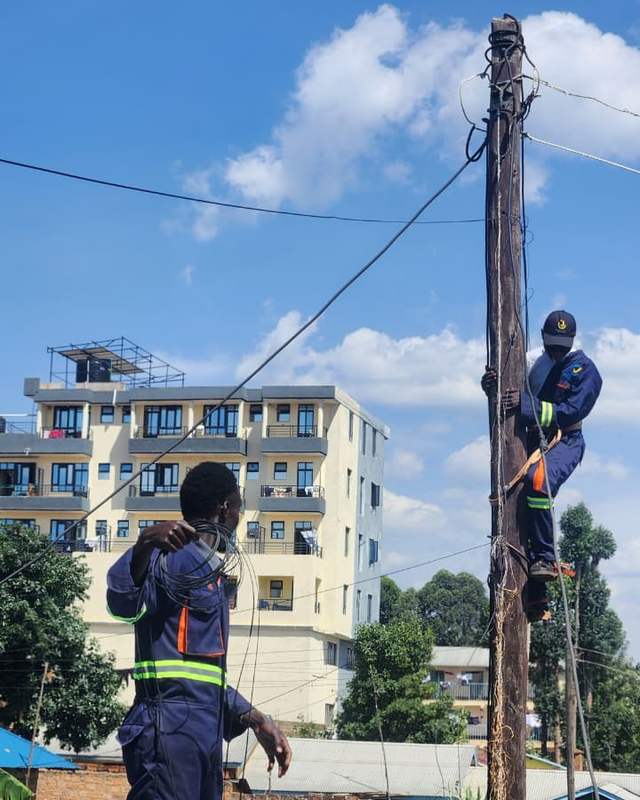
    Technician on a rooftop feeding cable to a colleague on a pole

    Who needs dedicated capacity?

    • Offices with many staff using cloud tools and video calls.
    • Hotels, hospitals, schools and campuses serving many users at once.
    • Banks, SACCOs and retailers running real-time payment systems.
    • Local ISPs and Wi‑Fi resellers who supply internet to their own customers.
    • Apartment owners providing building-wide Wi‑Fi to tenants.

    How much capacity do you need?

    Start by estimating how many people or devices will be online at the busiest time and what they do. Light browsing and email needs much less than video conferencing or streaming. A practical approach is to:

    1. Count your peak concurrent users.
    2. Estimate the typical bandwidth per user (for example 1 to 2 Mbps for general office use, more for video).
    3. Multiply, then add headroom of 20 to 30 percent for growth and busy periods.
    4. Review usage after a few months and scale up or down.

    Our capacity cost calculator lets you try different speeds and see the monthly cost instantly. Dedicated capacity with Ceehjay is priced per Mbps, from KSh 180 per Mbps, with options up to 1 Gbps.

    Capacity for ISPs and resellers

    If you run a local ISP or a neighbourhood Wi‑Fi business, reliable upstream capacity is the foundation of your service. Ceehjay supplies wholesale capacity and can support you with the fibre, cabling and network equipment you need to grow. See our capacity supply service for details.

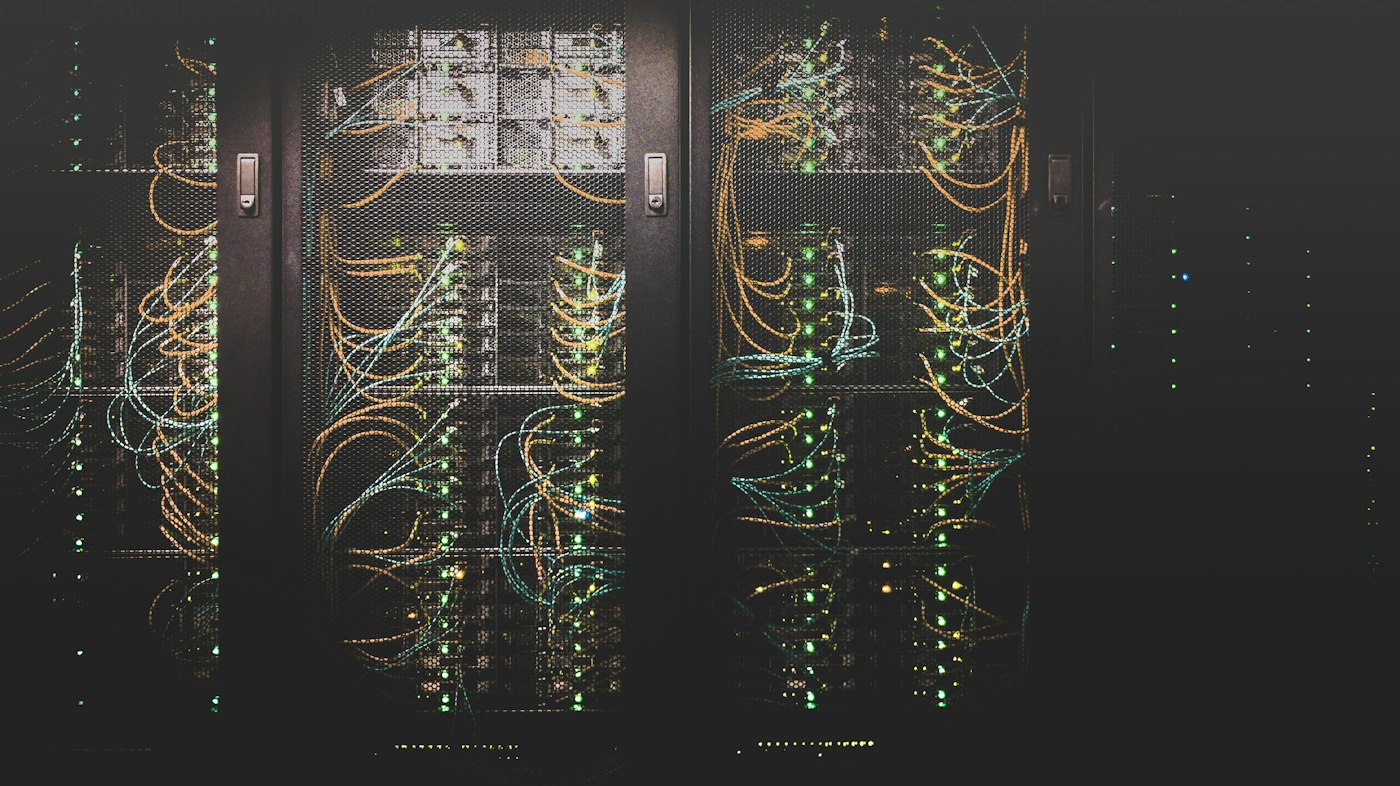
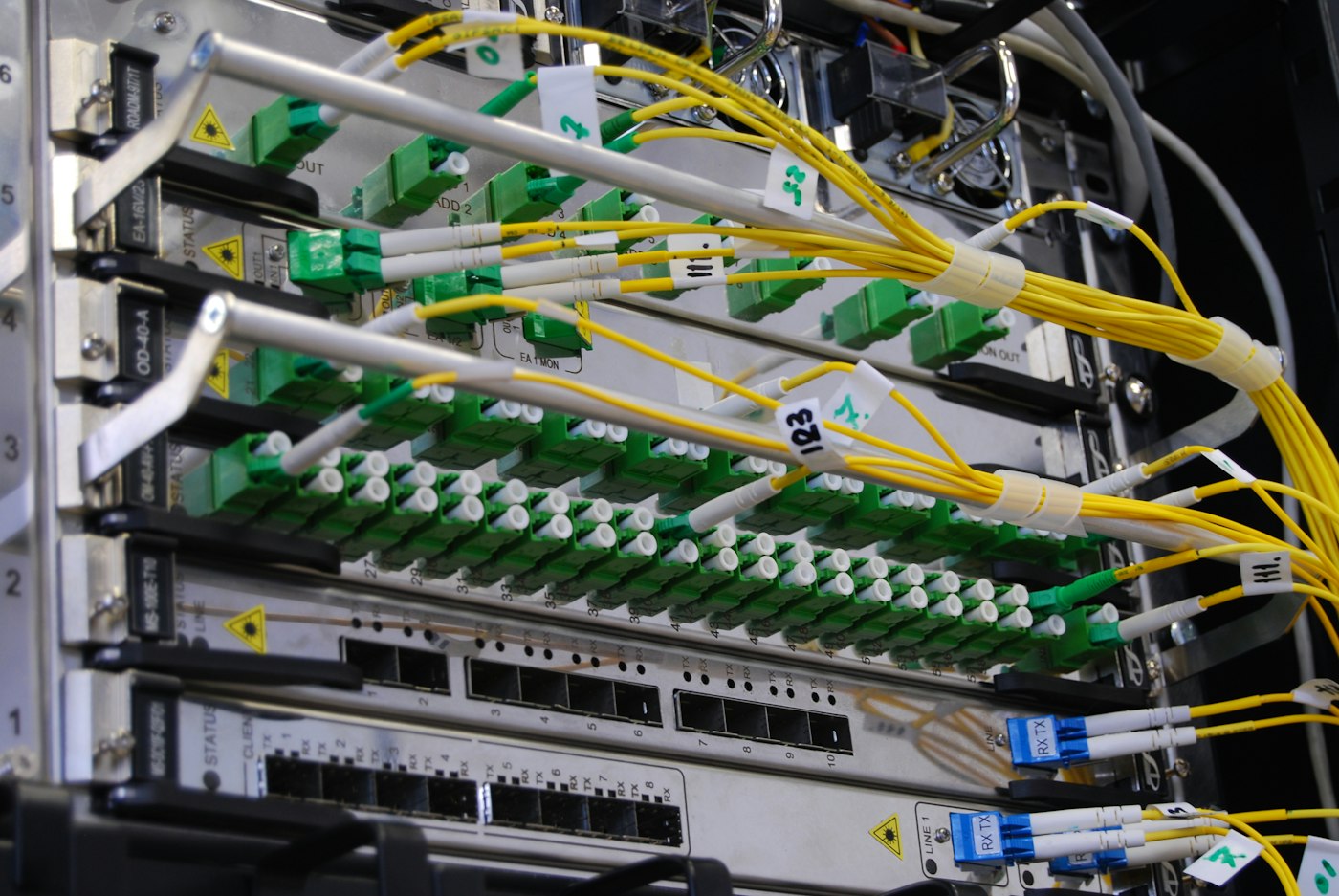
    Rack of servers in a server room

    Getting started

    Every dedicated capacity project begins with a conversation about your needs and a site survey. Our engineers then recommend the right capacity, design the connection and handle installation from start to finish.

    Talk to us about business capacity. Call +254 758 186 031

    Frequently asked questions

    What is the difference between Mbps and MBps?

    Mbps means megabits per second and is used for internet speeds. MBps means megabytes per second. One megabyte equals eight megabits.

    Can I upgrade my capacity later?

    Yes. Dedicated capacity can be increased as your needs grow, usually without changing your equipment.

    Do you supply capacity outside Nairobi?

    We serve clients from our Nairobi and Kisii bases. Contact us to confirm coverage for your location.

  • 10 Simple Ways to Boost Your Home Wi‑Fi Speed

    10 Simple Ways to Boost Your Home Wi‑Fi Speed

    Slow Wi‑Fi is one of the most frustrating parts of modern life, especially when you are on a video call or streaming a match. The good news is that many Wi‑Fi problems can be fixed in a few minutes without calling a technician. Here are ten simple ways to boost your home Wi‑Fi speed.

    1. Put your router in the centre of your home

    Wi‑Fi signals spread out from the router in all directions. If your router is in a corner, behind the TV or inside a cupboard, much of the signal is wasted. Place it in a central, open spot, ideally raised off the floor on a shelf or table.

    2. Keep it away from walls, metal and water

    Thick concrete walls, metal doors, mirrors and fish tanks all weaken Wi‑Fi. Microwaves and some cordless phones also interfere with the signal. Give your router some clear space.

    3. Restart your router regularly

    Like any computer, a router can slow down after running for weeks. Switching it off for 30 seconds and back on clears its memory and often fixes slow speeds and dropped connections.

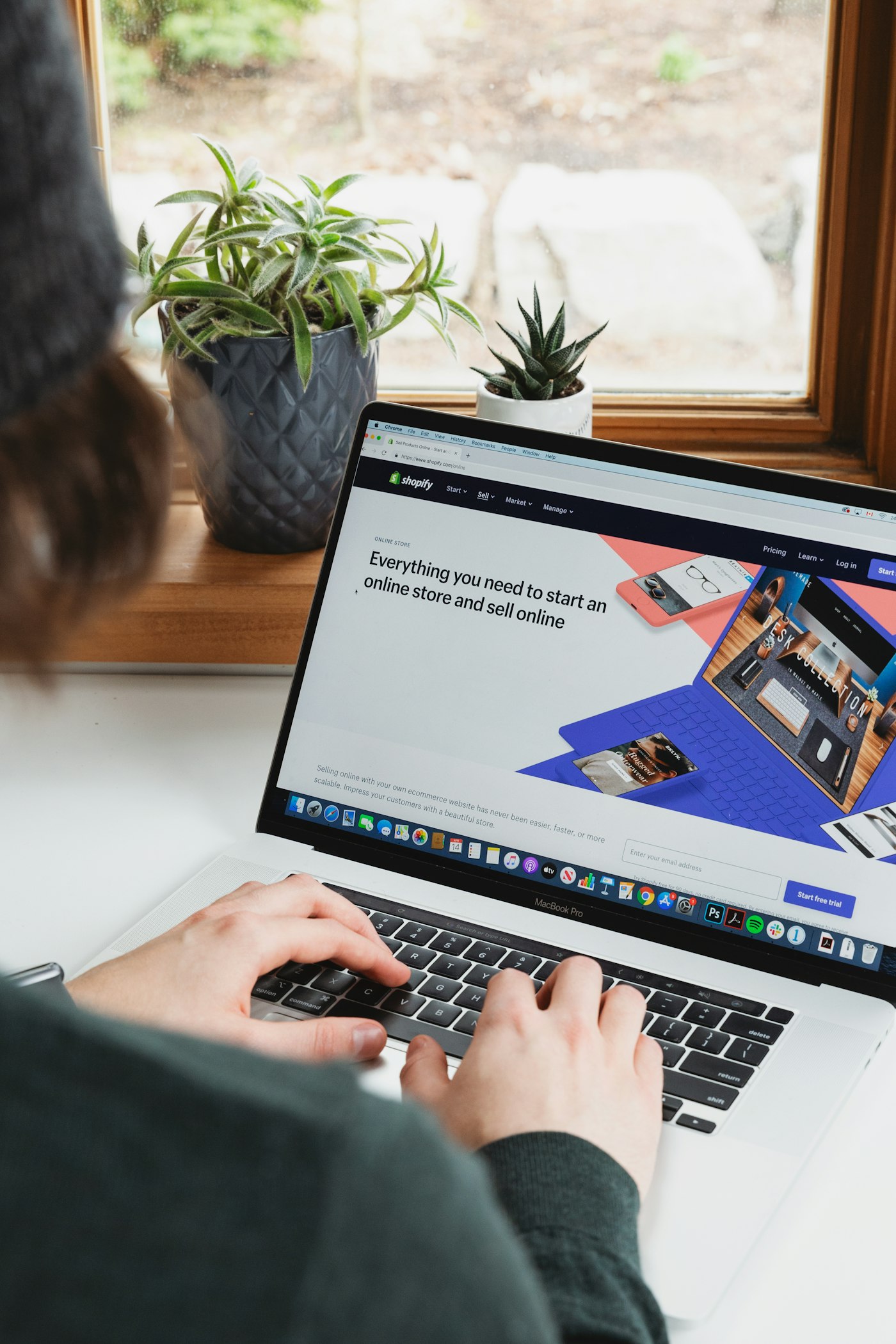
    Person working from home on a laptop

    4. Use the 5 GHz band for nearby devices

    Most modern routers broadcast two networks: 2.4 GHz and 5 GHz. The 5 GHz band is faster but has a shorter range, so use it for devices in the same room or nearby. Use 2.4 GHz for devices further away.

    5. Secure your network with a strong password

    If neighbours are using your Wi‑Fi, they are using your speed. Set a strong WPA2 or WPA3 password and change it if you suspect others have it.

    6. Disconnect devices you are not using

    Phones, TVs, tablets and smart devices all download updates in the background. Disconnect old devices you no longer use, and schedule large downloads for times when the household is not online.

    7. Use a cable for fixed devices

    Smart TVs, desktop computers and gaming consoles that do not move can be connected with an Ethernet cable. This gives them a faster, more stable connection and frees up Wi‑Fi for phones and laptops.

    8. Add a mesh system or extender for large homes

    In larger houses or homes with several floors, one router may not reach every room. A mesh Wi‑Fi system or a good extender spreads the signal evenly so there are no dead zones.

    9. Keep your devices updated

    Older phones and laptops may not support the latest Wi‑Fi standards. Install system updates regularly, as they often include Wi‑Fi improvements.

    10. Make sure your package matches your household

    If you have tried everything and the internet still slows down when everyone is online, your package may simply be too small. Read our guide on choosing the best home Wi‑Fi package in Kenya, or compare packages on our pricing page.

    Still having trouble?

    Ceehjay customers can call customer care on 0731 639 498 for help. Our technicians can check your setup, test your speed and recommend the best position for your router.

    Want faster, more reliable home internet? See our home Wi‑Fi service

    Frequently asked questions

    Why is my Wi‑Fi slow at night?

    Evenings are when most people in the household are online at once. Too many devices on a small package, or a poorly placed router, will slow things down.

    Does restarting the router really help?

    Yes. A restart clears the router’s memory and reconnects it to the network, which often restores normal speeds.

    How do I test my internet speed?

    Use a free speed test website on a device close to the router. Test a few times at different times of day to get a fair picture.

  • Fibre vs Wireless Internet in Kenya: Which Is Right for You?

    Fibre vs Wireless Internet in Kenya: Which Is Right for You?

    When you shop for internet in Kenya, you will usually choose between two technologies: fibre optic internet and wireless internet (fixed wireless or mobile data). Both can get you online, but they behave very differently when it comes to speed, reliability and cost. Here is a clear comparison to help you decide.

    What is fibre internet?

    Fibre internet sends data as pulses of light through thin strands of glass. Because light travels quickly and is not affected by electrical interference, fibre delivers high speeds over long distances with very little loss. A fibre cable runs from the provider’s network to your building, and a router inside turns that signal into Wi‑Fi for your devices.

    What is wireless internet?

    Wireless internet uses radio signals instead of a cable. Fixed wireless sends a signal from a tower to a small receiver on your roof, while mobile internet uses the same 4G or 5G network as your phone. Wireless is quick to set up and useful in areas without cables, but the signal can be affected by distance, obstacles, weather and how many people are sharing the same tower.

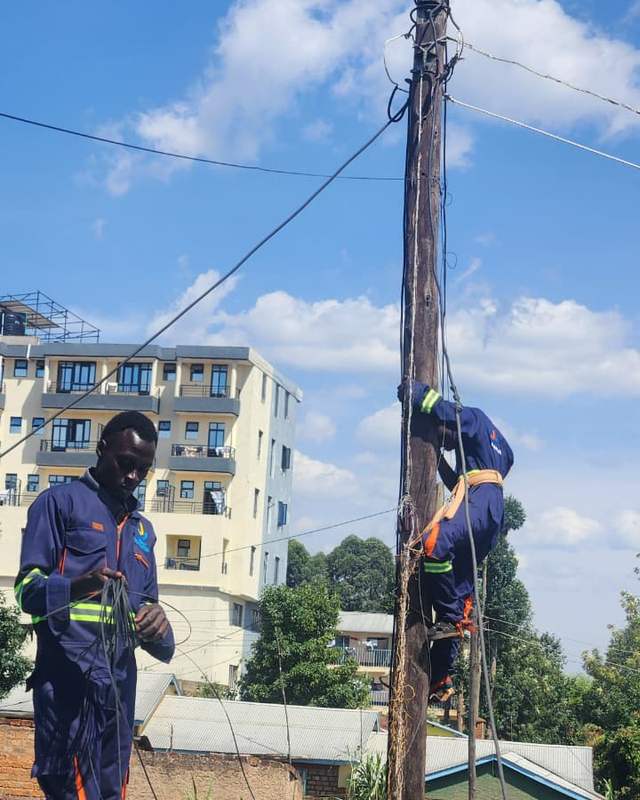
    Technician in harness on a utility pole

    Fibre vs wireless: side-by-side

    Speed

    Fibre wins clearly. It can deliver anything from home packages to 1 Gbps dedicated links, with upload speeds that keep up with downloads. Wireless speeds vary with signal strength and usually drop at busy times.

    Reliability

    Fibre is far more stable. Rain, trees and new buildings do not affect a fibre connection, and speeds stay consistent through the day. Wireless connections can fluctuate, which is noticeable on video calls and online classes.

    Latency

    Latency is the delay before data starts moving. Fibre has very low latency, which makes video calls, online gaming and cloud apps feel smooth. Wireless latency is higher and less predictable.

    Cost

    Fibre home packages in Kenya are now very competitive, and because they are unlimited you avoid the cost of constantly buying data bundles. Mobile data can look cheap at first but becomes expensive for streaming, work and study.

    Coverage and setup

    Wireless can reach places where fibre has not been laid yet, and setup can be immediate. Fibre needs a cable to your building, but providers with their own installation crews, like Ceehjay, can often connect homes within 24 hours.

    Which should you choose?

    • Choose fibre if you work or study from home, stream on several devices, run a business, or simply want internet that just works.
    • Choose wireless as a temporary option, for remote sites without fibre, or as a backup link for a business.

    Many businesses use both: fibre as the main connection and wireless as a failover in case of an outage. Our team can design this setup as part of our enterprise networking services.

    Glowing fibre optic strands carrying light

    Fibre installation with Ceehjay

    Ceehjay provides fibre-powered home Wi‑Fi, fibre and structured cabling for buildings, and dedicated capacity for businesses and ISPs. See our pricing or call us to check coverage in your area.

    Check if fibre is available where you are. Contact our team

    Frequently asked questions

    Is fibre faster than 4G or 5G in Kenya?

    In everyday use, yes. Fibre gives consistent speeds and low latency, while mobile speeds change with signal strength and network traffic.

    Does rain affect fibre internet?

    No. Fibre uses light inside glass cables, so rain and weather do not interfere with the signal.

    Can I get fibre in an apartment?

    Yes. Many apartment blocks can be connected. Landlords can also partner with Ceehjay to wire the whole building.

  • How to Choose the Best Home Wi‑Fi Package in Kenya (2026 Guide)

    How to Choose the Best Home Wi‑Fi Package in Kenya (2026 Guide)

    Choosing a home internet package in Kenya can feel confusing. Every provider advertises “fast” and “unlimited” Wi‑Fi, but the right package for your home depends on how many people are online, what they do, and how reliable the connection needs to be. This guide explains how to choose the best home Wi‑Fi package in Kenya without paying for speed you will never use, or settling for a connection that slows down every evening.

    1. Work out how much speed your household really needs

    Internet speed is measured in megabits per second (Mbps). More people and more devices online at the same time need more Mbps. As a simple rule of thumb:

    • 10 Mbps suits one or two people browsing, using WhatsApp, social media and streaming video on one screen at a time.
    • 15 to 20 Mbps suits a small family streaming on a couple of devices, attending online classes or working from home.
    • 30 Mbps and above suits larger households, several people working or studying from home, smart TVs, gaming and frequent large downloads.

    Count the devices that will connect at the busiest time of day, usually the evening, and choose a package with some room to spare. It is easier to start slightly higher than to deal with buffering every night.

    {{img:router}}

    2. Choose fibre where you can

    Fibre internet carries data as light through glass strands, which makes it faster and far more stable than older copper or mobile connections. A fibre-powered home connection is less affected by weather and network congestion, and it delivers the same speed for downloads and video calls throughout the day. If fibre is available in your estate, it is usually the best long-term choice. Read our comparison of fibre and wireless internet in Kenya to learn more.

    3. Check what “unlimited” really means

    Before you sign up, ask the provider whether the package is truly unlimited or whether speeds drop after you use a certain amount of data (often called a fair usage policy). A good home Wi‑Fi package in Kenya should give you consistent speed all month, with no surprise throttling.

    4. Look at the full cost, not just the monthly price

    The monthly fee is only part of the cost. Ask about:

    • Installation fees. Some providers charge thousands of shillings to connect you. At Ceehjay, home installation is free.
    • Router or equipment costs. Find out whether the router is included or bought separately.
    • Contract length. Check whether you are locked in, and what it costs to cancel.
    • Relocation fees. If you move often, ask what happens to your connection when you change houses.

    5. Ask how fast they can connect you

    Waiting weeks for installation is frustrating, especially if you work or study from home. Ask the provider for a realistic installation date before you pay. Ceehjay aims to connect homes within 24 hours of an order, using our own trained crews.

    6. Make sure support is easy to reach

    Every connection needs support at some point. Choose a provider with a local customer care line that answers, and technicians who can visit your home if needed. Save the support number in your phone as soon as you are connected.

    Ceehjay home Wi‑Fi packages

    Our fibre-powered home packages start from KES 1,500 per month for 10 to 30 Mbps, with free installation and connection within 24 hours. Compare all options on our pricing page, or see everything included in our home Wi‑Fi installation service.

    Ready to get connected? Call +254 758 186 031

    Frequently asked questions

    What is a good internet speed for a home in Kenya?

    For most families, 15 to 20 Mbps is enough for streaming, video calls and browsing on several devices. Larger households or people working from home may prefer 30 Mbps or more.

    Is home installation free?

    With Ceehjay, yes. Home Wi‑Fi installation is free, and we aim to connect you within 24 hours.

    Can I upgrade my package later?

    Yes. You can move to a faster package as your needs grow. Call customer care on 0731 639 498.