Author: Ceehjay

  • Dedicated Internet Capacity in Kenya: What Businesses and ISPs Need to Know

    Dedicated Internet Capacity in Kenya: What Businesses and ISPs Need to Know

    For many Kenyan businesses, the internet is no longer a nice-to-have. Payments, cloud software, customer service and communication all depend on it. When a shared broadband connection slows down at the wrong moment, it costs money. That is why more businesses, institutions and local internet service providers (ISPs) are moving to dedicated internet capacity.

    What is dedicated internet capacity?

    Dedicated capacity is bandwidth reserved only for you. With a shared connection, you and other customers draw from the same pool, so speeds drop when the network is busy. With dedicated capacity, the agreed number of megabits per second (Mbps) is yours at all times, for both upload and download.

    Shared broadband vs dedicated capacity

    • Guaranteed speed: dedicated capacity delivers the full agreed speed around the clock; shared broadband offers “up to” speeds.
    • Symmetrical upload: dedicated links usually provide matching upload speeds, important for video calls, cloud backups and hosting.
    • Reliability: dedicated connections come with closer monitoring and faster fault response.
    • Scalability: you can add capacity in steps as your business grows.
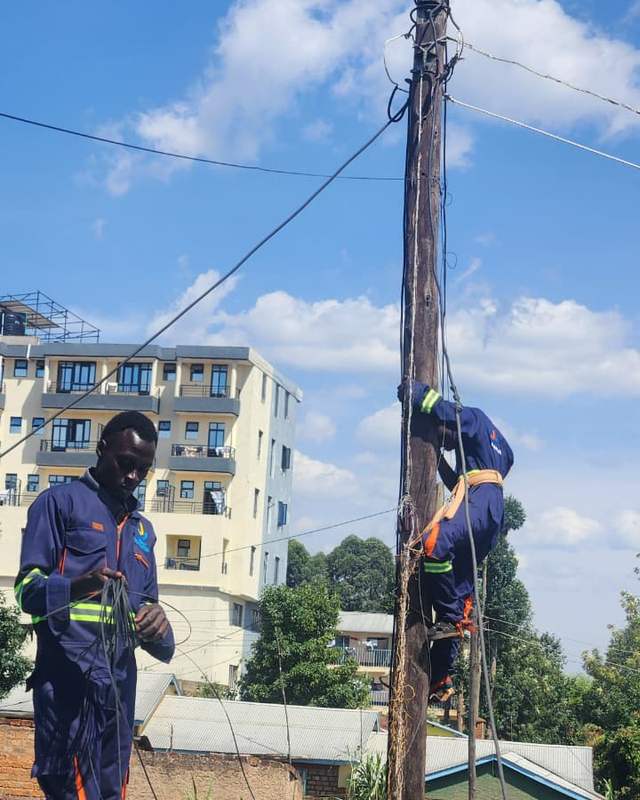
    Technician on a rooftop feeding cable to a colleague on a pole

    Who needs dedicated capacity?

    • Offices with many staff using cloud tools and video calls.
    • Hotels, hospitals, schools and campuses serving many users at once.
    • Banks, SACCOs and retailers running real-time payment systems.
    • Local ISPs and Wi‑Fi resellers who supply internet to their own customers.
    • Apartment owners providing building-wide Wi‑Fi to tenants.

    How much capacity do you need?

    Start by estimating how many people or devices will be online at the busiest time and what they do. Light browsing and email needs much less than video conferencing or streaming. A practical approach is to:

    1. Count your peak concurrent users.
    2. Estimate the typical bandwidth per user (for example 1 to 2 Mbps for general office use, more for video).
    3. Multiply, then add headroom of 20 to 30 percent for growth and busy periods.
    4. Review usage after a few months and scale up or down.

    Our capacity cost calculator lets you try different speeds and see the monthly cost instantly. Dedicated capacity with Ceehjay is priced per Mbps, from KSh 180 per Mbps, with options up to 1 Gbps.

    Capacity for ISPs and resellers

    If you run a local ISP or a neighbourhood Wi‑Fi business, reliable upstream capacity is the foundation of your service. Ceehjay supplies wholesale capacity and can support you with the fibre, cabling and network equipment you need to grow. See our capacity supply service for details.
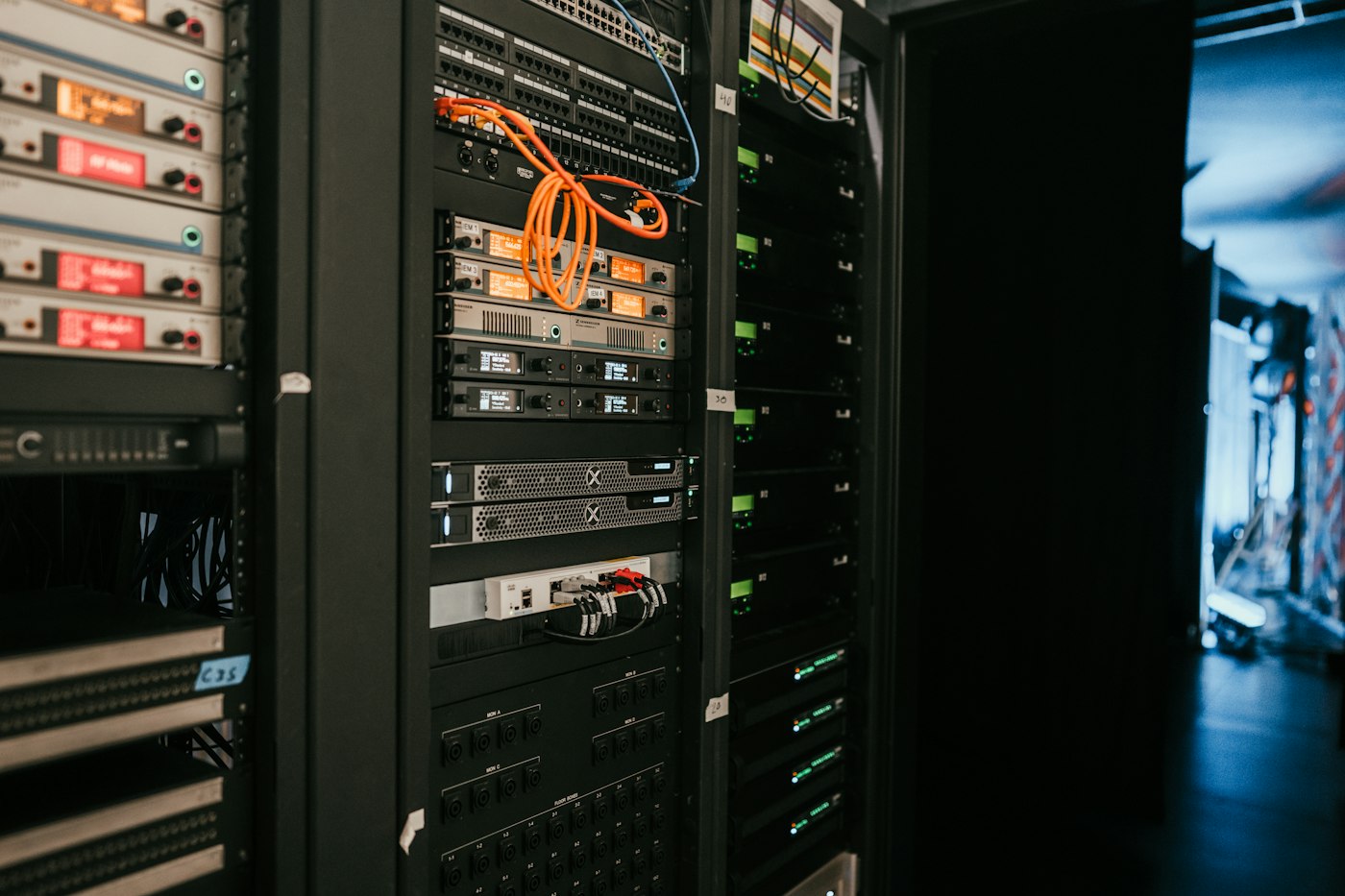
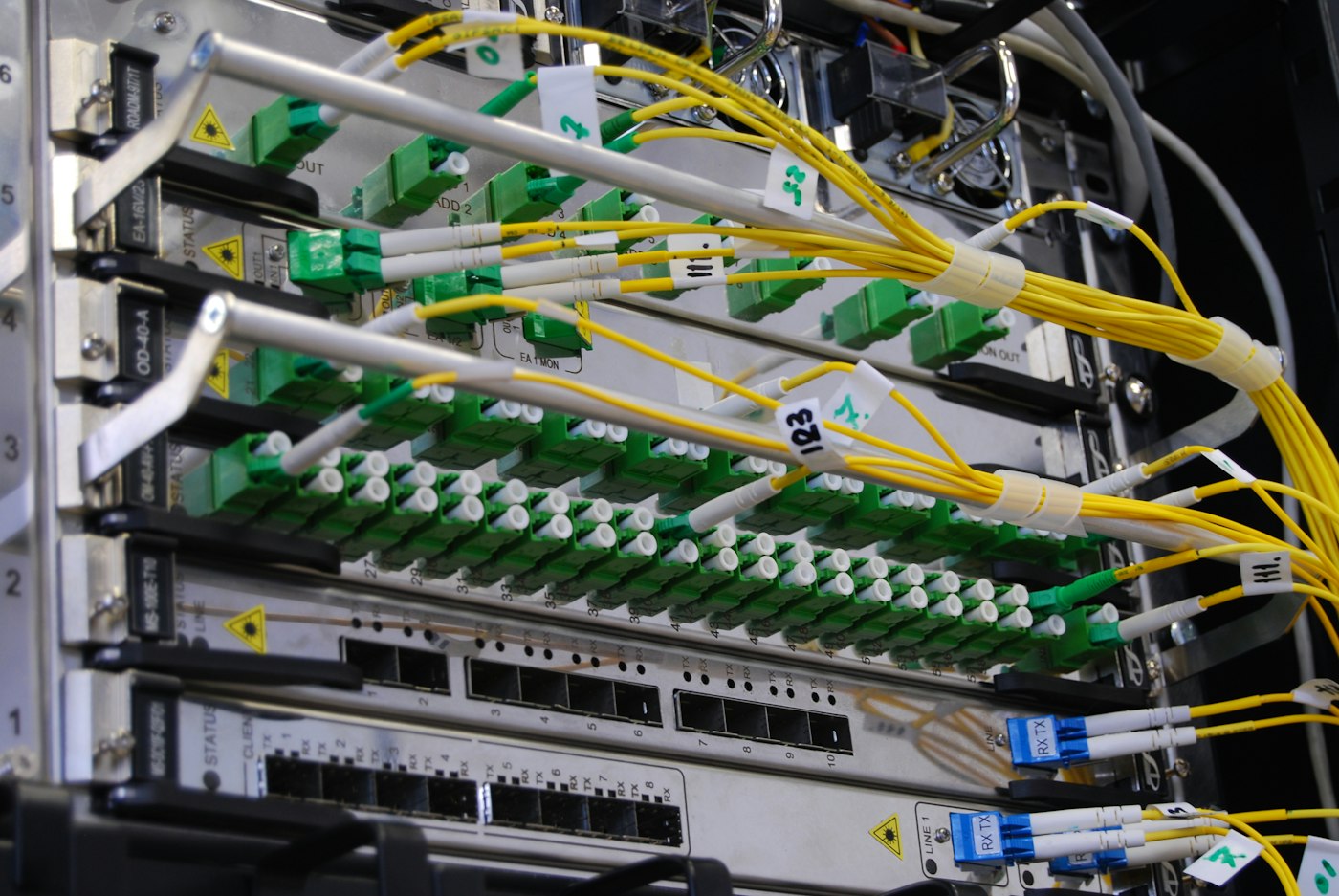
    Rack of servers in a server room

    Getting started

    Every dedicated capacity project begins with a conversation about your needs and a site survey. Our engineers then recommend the right capacity, design the connection and handle installation from start to finish.

    Talk to us about business capacity. Call +254 758 186 031

    Frequently asked questions

    What is the difference between Mbps and MBps?

    Mbps means megabits per second and is used for internet speeds. MBps means megabytes per second. One megabyte equals eight megabits.

    Can I upgrade my capacity later?

    Yes. Dedicated capacity can be increased as your needs grow, usually without changing your equipment.

    Do you supply capacity outside Nairobi?

    We serve clients from our Nairobi and Kisii bases. Contact us to confirm coverage for your location.

  • Starlink Pauses New Sign-Ups in Seven Kenyan Counties as Capacity Fills Up

    Starlink Pauses New Sign-Ups in Seven Kenyan Counties as Capacity Fills Up

    Satellite internet provider Starlink has suspended new residential sign-ups in seven Kenyan counties after its network reached capacity in high-demand areas.

    Affected counties

    The pause covers Nairobi, Kiambu, Mombasa, Machakos, Murang’a, Kirinyaga and Kwale. New customers in these areas are being placed on a waitlist and asked to pay a deposit, with no confirmed date for when sign-ups will reopen.

    Rapid growth behind the pause

    Starlink, which launched in Kenya in July 2023, has grown quickly after cutting its hardware price from about KES 89,000 to about KES 49,900 and introducing a KES 1,950 monthly kit rental and a KES 1,300 50GB plan. Communications Authority figures show subscribers reached nearly 25,000 by the end of March 2026. This is not the first pause: Starlink also stopped new sign-ups in Nairobi and nearby counties from November 2024 to June 2025.

    What this means for you

    Satellite internet is valuable in remote areas without cables, but every satellite cell has limited shared capacity. In towns and estates where fibre is available, a fibre connection offers more consistent speeds and lower latency. Read our comparison of fibre vs wireless internet in Kenya.

    Looking for an alternative in your area? Check fibre coverage

    Source: Techweez

  • 10 Simple Ways to Boost Your Home Wi‑Fi Speed

    10 Simple Ways to Boost Your Home Wi‑Fi Speed

    Slow Wi‑Fi is one of the most frustrating parts of modern life, especially when you are on a video call or streaming a match. The good news is that many Wi‑Fi problems can be fixed in a few minutes without calling a technician. Here are ten simple ways to boost your home Wi‑Fi speed.

    1. Put your router in the centre of your home

    Wi‑Fi signals spread out from the router in all directions. If your router is in a corner, behind the TV or inside a cupboard, much of the signal is wasted. Place it in a central, open spot, ideally raised off the floor on a shelf or table.

    2. Keep it away from walls, metal and water

    Thick concrete walls, metal doors, mirrors and fish tanks all weaken Wi‑Fi. Microwaves and some cordless phones also interfere with the signal. Give your router some clear space.

    3. Restart your router regularly

    Like any computer, a router can slow down after running for weeks. Switching it off for 30 seconds and back on clears its memory and often fixes slow speeds and dropped connections.

    Person working from home on a laptop

    4. Use the 5 GHz band for nearby devices

    Most modern routers broadcast two networks: 2.4 GHz and 5 GHz. The 5 GHz band is faster but has a shorter range, so use it for devices in the same room or nearby. Use 2.4 GHz for devices further away.

    5. Secure your network with a strong password

    If neighbours are using your Wi‑Fi, they are using your speed. Set a strong WPA2 or WPA3 password and change it if you suspect others have it.

    6. Disconnect devices you are not using

    Phones, TVs, tablets and smart devices all download updates in the background. Disconnect old devices you no longer use, and schedule large downloads for times when the household is not online.

    7. Use a cable for fixed devices

    Smart TVs, desktop computers and gaming consoles that do not move can be connected with an Ethernet cable. This gives them a faster, more stable connection and frees up Wi‑Fi for phones and laptops.

    8. Add a mesh system or extender for large homes

    In larger houses or homes with several floors, one router may not reach every room. A mesh Wi‑Fi system or a good extender spreads the signal evenly so there are no dead zones.

    9. Keep your devices updated

    Older phones and laptops may not support the latest Wi‑Fi standards. Install system updates regularly, as they often include Wi‑Fi improvements.

    10. Make sure your package matches your household

    If you have tried everything and the internet still slows down when everyone is online, your package may simply be too small. Read our guide on choosing the best home Wi‑Fi package in Kenya, or compare packages on our pricing page.

    Still having trouble?

    Ceehjay customers can call customer care on 0731 639 498 for help. Our technicians can check your setup, test your speed and recommend the best position for your router.

    Want faster, more reliable home internet? See our home Wi‑Fi service

    Frequently asked questions

    Why is my Wi‑Fi slow at night?

    Evenings are when most people in the household are online at once. Too many devices on a small package, or a poorly placed router, will slow things down.

    Does restarting the router really help?

    Yes. A restart clears the router’s memory and reconnects it to the network, which often restores normal speeds.

    How do I test my internet speed?

    Use a free speed test website on a device close to the router. Test a few times at different times of day to get a fair picture.

  • Fibre vs Wireless Internet in Kenya: Which Is Right for You?

    Fibre vs Wireless Internet in Kenya: Which Is Right for You?

    When you shop for internet in Kenya, you will usually choose between two technologies: fibre optic internet and wireless internet (fixed wireless or mobile data). Both can get you online, but they behave very differently when it comes to speed, reliability and cost. Here is a clear comparison to help you decide.

    What is fibre internet?

    Fibre internet sends data as pulses of light through thin strands of glass. Because light travels quickly and is not affected by electrical interference, fibre delivers high speeds over long distances with very little loss. A fibre cable runs from the provider’s network to your building, and a router inside turns that signal into Wi‑Fi for your devices.

    What is wireless internet?

    Wireless internet uses radio signals instead of a cable. Fixed wireless sends a signal from a tower to a small receiver on your roof, while mobile internet uses the same 4G or 5G network as your phone. Wireless is quick to set up and useful in areas without cables, but the signal can be affected by distance, obstacles, weather and how many people are sharing the same tower.

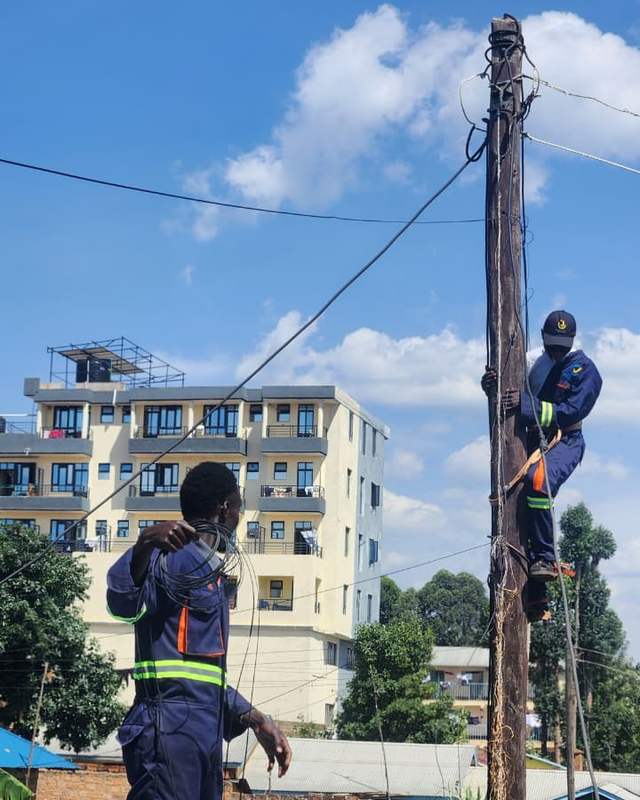
    Technician in harness on a utility pole

    Fibre vs wireless: side-by-side

    Speed

    Fibre wins clearly. It can deliver anything from home packages to 1 Gbps dedicated links, with upload speeds that keep up with downloads. Wireless speeds vary with signal strength and usually drop at busy times.

    Reliability

    Fibre is far more stable. Rain, trees and new buildings do not affect a fibre connection, and speeds stay consistent through the day. Wireless connections can fluctuate, which is noticeable on video calls and online classes.

    Latency

    Latency is the delay before data starts moving. Fibre has very low latency, which makes video calls, online gaming and cloud apps feel smooth. Wireless latency is higher and less predictable.

    Cost

    Fibre home packages in Kenya are now very competitive, and because they are unlimited you avoid the cost of constantly buying data bundles. Mobile data can look cheap at first but becomes expensive for streaming, work and study.

    Coverage and setup

    Wireless can reach places where fibre has not been laid yet, and setup can be immediate. Fibre needs a cable to your building, but providers with their own installation crews, like Ceehjay, can often connect homes within 24 hours.

    Which should you choose?

    • Choose fibre if you work or study from home, stream on several devices, run a business, or simply want internet that just works.
    • Choose wireless as a temporary option, for remote sites without fibre, or as a backup link for a business.

    Many businesses use both: fibre as the main connection and wireless as a failover in case of an outage. Our team can design this setup as part of our enterprise networking services.

    Glowing fibre optic strands carrying light

    Fibre installation with Ceehjay

    Ceehjay provides fibre-powered home Wi‑Fi, fibre and structured cabling for buildings, and dedicated capacity for businesses and ISPs. See our pricing or call us to check coverage in your area.

    Check if fibre is available where you are. Contact our team

    Frequently asked questions

    Is fibre faster than 4G or 5G in Kenya?

    In everyday use, yes. Fibre gives consistent speeds and low latency, while mobile speeds change with signal strength and network traffic.

    Does rain affect fibre internet?

    No. Fibre uses light inside glass cables, so rain and weather do not interfere with the signal.

    Can I get fibre in an apartment?

    Yes. Many apartment blocks can be connected. Landlords can also partner with Ceehjay to wire the whole building.

  • How to Choose the Best Home Wi‑Fi Package in Kenya (2026 Guide)

    How to Choose the Best Home Wi‑Fi Package in Kenya (2026 Guide)

    Choosing a home internet package in Kenya can feel confusing. Every provider advertises “fast” and “unlimited” Wi‑Fi, but the right package for your home depends on how many people are online, what they do, and how reliable the connection needs to be. This guide explains how to choose the best home Wi‑Fi package in Kenya without paying for speed you will never use, or settling for a connection that slows down every evening.

    1. Work out how much speed your household really needs

    Internet speed is measured in megabits per second (Mbps). More people and more devices online at the same time need more Mbps. As a simple rule of thumb:

    • 10 Mbps suits one or two people browsing, using WhatsApp, social media and streaming video on one screen at a time.
    • 15 to 20 Mbps suits a small family streaming on a couple of devices, attending online classes or working from home.
    • 30 Mbps and above suits larger households, several people working or studying from home, smart TVs, gaming and frequent large downloads.

    Count the devices that will connect at the busiest time of day, usually the evening, and choose a package with some room to spare. It is easier to start slightly higher than to deal with buffering every night.

    {{img:router}}

    2. Choose fibre where you can

    Fibre internet carries data as light through glass strands, which makes it faster and far more stable than older copper or mobile connections. A fibre-powered home connection is less affected by weather and network congestion, and it delivers the same speed for downloads and video calls throughout the day. If fibre is available in your estate, it is usually the best long-term choice. Read our comparison of fibre and wireless internet in Kenya to learn more.

    3. Check what “unlimited” really means

    Before you sign up, ask the provider whether the package is truly unlimited or whether speeds drop after you use a certain amount of data (often called a fair usage policy). A good home Wi‑Fi package in Kenya should give you consistent speed all month, with no surprise throttling.

    4. Look at the full cost, not just the monthly price

    The monthly fee is only part of the cost. Ask about:

    • Installation fees. Some providers charge thousands of shillings to connect you. At Ceehjay, home installation is free.
    • Router or equipment costs. Find out whether the router is included or bought separately.
    • Contract length. Check whether you are locked in, and what it costs to cancel.
    • Relocation fees. If you move often, ask what happens to your connection when you change houses.

    5. Ask how fast they can connect you

    Waiting weeks for installation is frustrating, especially if you work or study from home. Ask the provider for a realistic installation date before you pay. Ceehjay aims to connect homes within 24 hours of an order, using our own trained crews.

    6. Make sure support is easy to reach

    Every connection needs support at some point. Choose a provider with a local customer care line that answers, and technicians who can visit your home if needed. Save the support number in your phone as soon as you are connected.

    Ceehjay home Wi‑Fi packages

    Our fibre-powered home packages start from KES 1,500 per month for 10 to 30 Mbps, with free installation and connection within 24 hours. Compare all options on our pricing page, or see everything included in our home Wi‑Fi installation service.

    Ready to get connected? Call +254 758 186 031

    Frequently asked questions

    What is a good internet speed for a home in Kenya?

    For most families, 15 to 20 Mbps is enough for streaming, video calls and browsing on several devices. Larger households or people working from home may prefer 30 Mbps or more.

    Is home installation free?

    With Ceehjay, yes. Home Wi‑Fi installation is free, and we aim to connect you within 24 hours.

    Can I upgrade my package later?

    Yes. You can move to a faster package as your needs grow. Call customer care on 0731 639 498.

  • Airtel Kenya Takes Home Fibre to Apartment Blocks With Free Installation

    Airtel Kenya Takes Home Fibre to Apartment Blocks With Free Installation

    Competition in Kenya’s home fibre market is heating up. Airtel Kenya has moved its Xtreme Fibre service beyond pilot stage and started a commercial rollout in parts of Nairobi and other towns, with a strong focus on apartment buildings.

    Key details

    • More than 400 buildings in Nairobi have been connected, according to an Airtel agent cited by TechCabal.
    • Installation fees are being waived for residential and business customers to make switching easier.
    • The move challenges established fibre providers in the fast-growing multi-dwelling market.

    Why apartments matter

    Apartment blocks are one of the most efficient places to deploy fibre: one connection to the building can serve dozens of households. As tenants increasingly expect internet as a standard utility, landlords are looking for providers who can wire entire buildings neatly and support tenants directly.

    What this means for you

    For consumers, more competition means more choice, free installation and better value. For landlords, it is a reminder that connected buildings attract and keep tenants. Read our guide on why building-wide Wi‑Fi adds value for landlords, or learn about our landlord partnership.

    Source: TechCabal

  • Home Router Prices Could Rise as Global Memory Chip Costs Soar

    Home Router Prices Could Rise as Global Memory Chip Costs Soar

    Kenyans planning to upgrade their home internet equipment may soon pay more. A global shortage of memory chips is driving up the cost of the components used in Wi‑Fi routers, 5G home routers and other customer equipment.

    What is happening

    According to Counterpoint Research’s February 2026 Memory Price Tracker, prices of DRAM and NAND memory for consumer devices have risen by more than 600% over the past year. Memory now accounts for more than 20% of the bill of materials in low- to mid-range routers, up from about 3% a year earlier. Counterpoint expects the increases to continue through at least mid-2026.

    In Kenya, 5G home routers from the major mobile operators currently retail at around KES 2,999, but analysts warn that rising component costs could push equipment prices up and slow down network deployments.

    What this means for you

    • Router and network equipment prices may increase in the coming months.
    • Internet packages that include the router at no extra cost become better value.
    • Businesses planning network upgrades may want to budget early.

    Ceehjay home Wi‑Fi customers get free installation and are connected within 24 hours. See our home Wi‑Fi packages for details.

    Source: Techish Kenya